
Once your litter is born and you have created a litter in the PawPrint. You can now start adding puppies directly in the litter.
Adding puppies to an existing litter
Follow the video below. Ensure you always set the status to Puppy
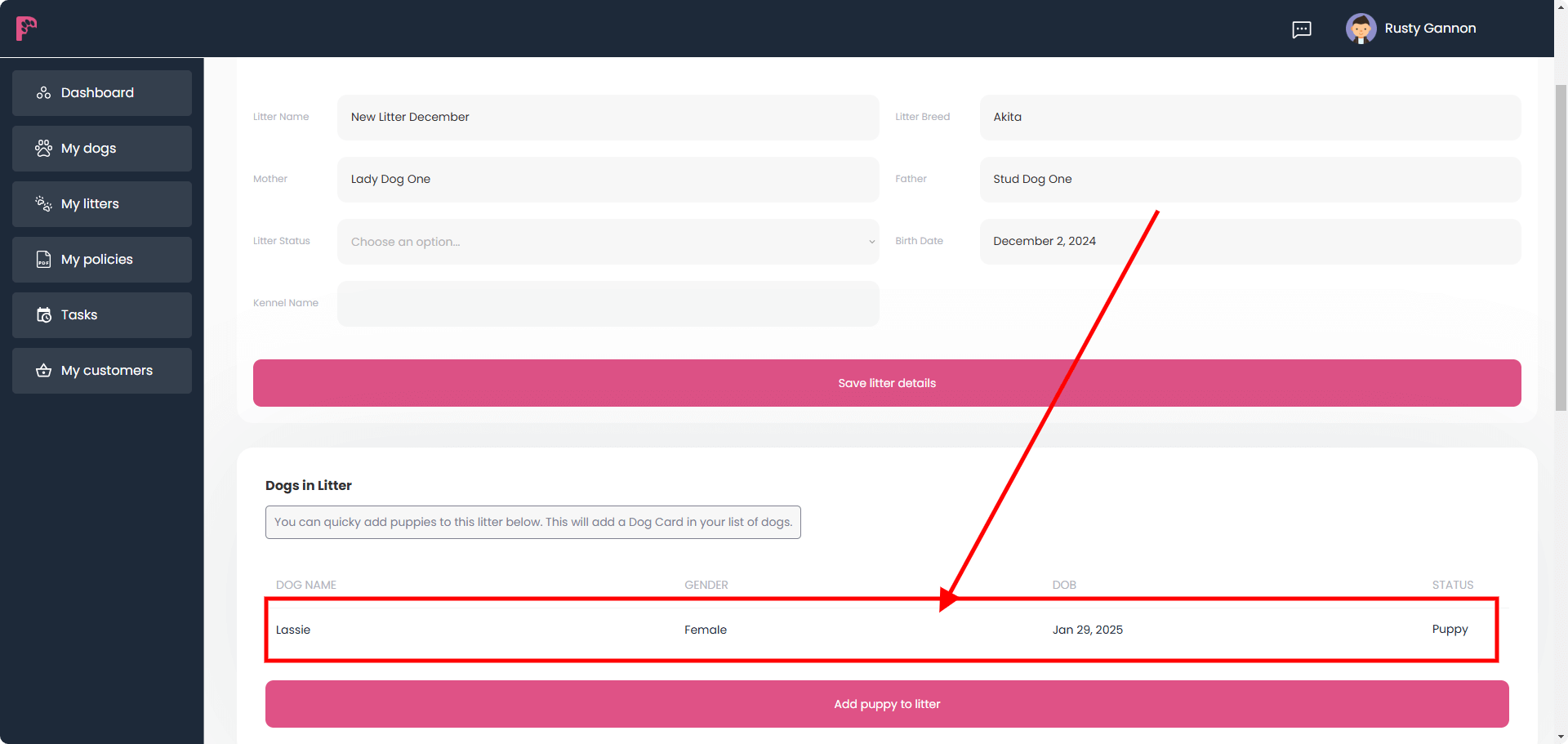
Adding a puppy directly within the litter will automatically create a Dog Card. This will be found under My Dogs and also within the litter.
You can edit the Dog Card by clicking on the relevent one in either scenerio.
Add a puppy to a different litter
You may have made a mistake and added a puppy to the wrong litter. If thats the case you can easily change the litter from the puppies dog card.
Add a puppy to a litter from the Dog Card
You may have added your puppies directly to the Dog Card, and then created a litter afterwards – so how do you then assign a puppy to a litter
Two things need to happen here; the first is that your puppy must have the status Puppy. Secondly, you the puppy must have an active mother in the card.
See video below.