Creating a new litter is really simple. Click on My Litters from your dashboard and naviagte to the button Create New Litter.
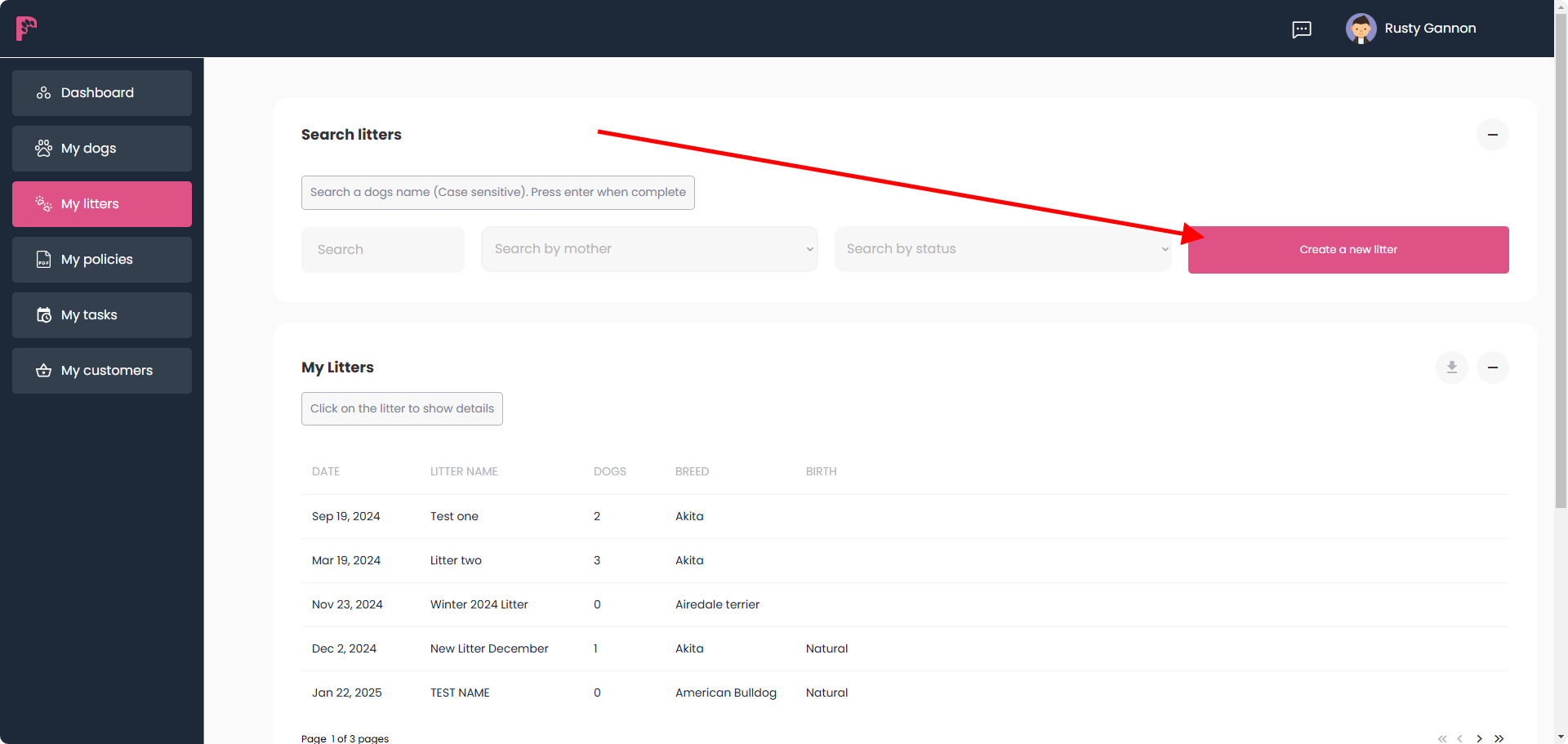
The mother of the litter must have a Dog card in My Dogs to continue creating a litter.
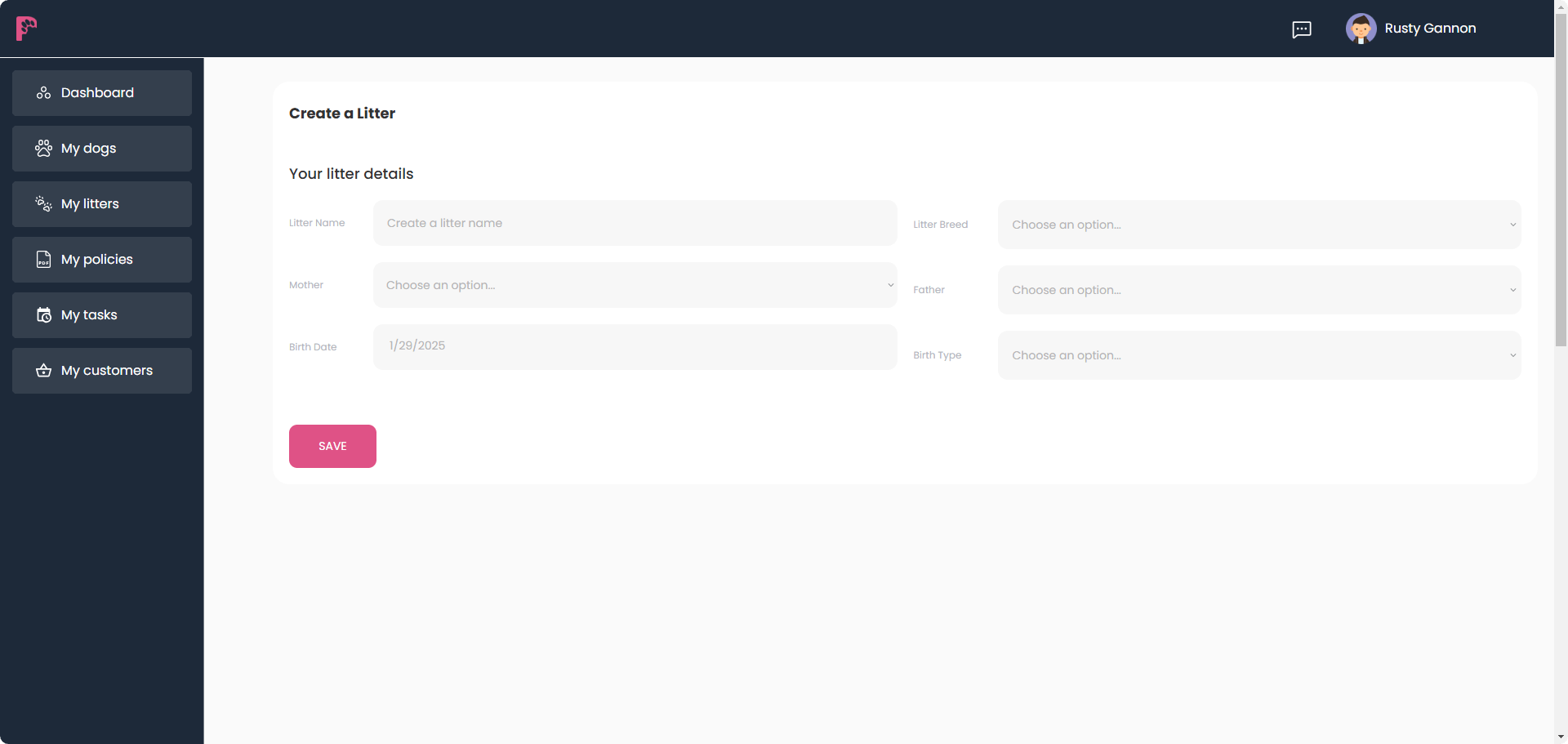
Now fill in the information required.
- The Litters Name (This can be for your purposes)
- The Breed (Ask support to create one for you if your breed is not in the drop down list)
- Mother (Dam) and Father (Sire) – You must also create a Dog Card for Stud. Simply ensure that the status on the Dog Card is Stud.
- Birth Date
- Birth type – Natural or Cesarean
You can add pups and kennel name once you have saved the core information.